Parental control for Android
A friend on your child's phone who reminds with kindness
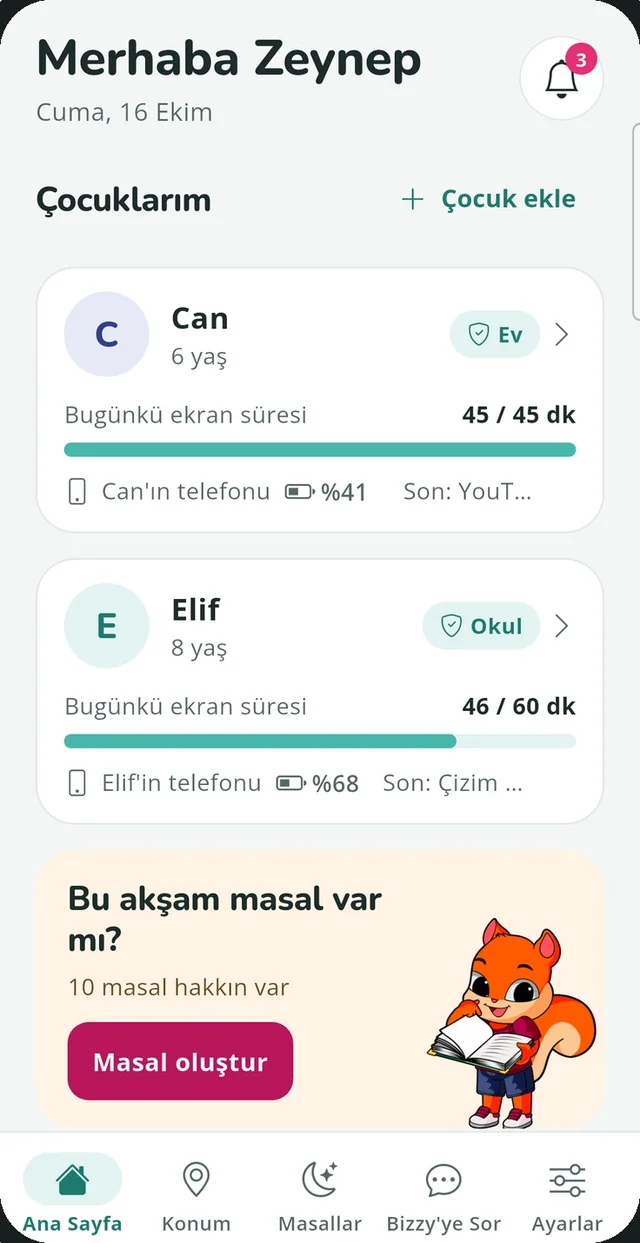
With Bizzy you see where your child is and how much time they spend on their phone, right from your own phone. When time is up or bedtime comes, you don't have to be the one to say it: Bizzy, a friendly squirrel on your child's screen, does.
- Free to download
- No hidden monitoring
- English and Turkish

Short films
Bizzy, a cheerful part of the family
On screen and off screen: short films from Bizzy's world.

Features
Everything you need in one app
Most parental control apps lock and block. Bizzy guides instead: the reminders come from a friend, so rules stop being a daily argument.
Location and safe zones
See your child's phone on the map, even when the app is closed. Add home, school or classes as safe zones with a 10-500 m radius and get notified on arrival and departure.
Screen time and daily limit
Daily and weekly reports per app. Set a daily limit; when it is reached you get a notification and Bizzy gently reminds your child on screen.
Bedtime and meal times
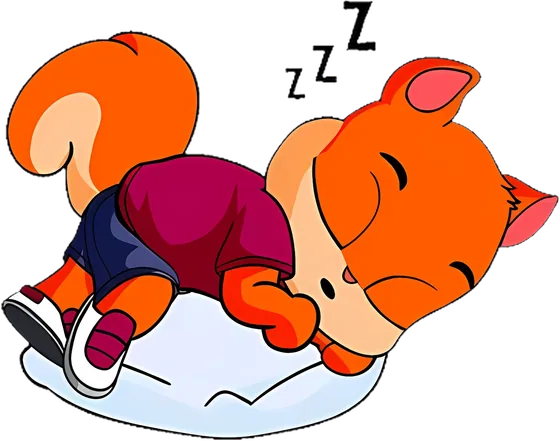
At bedtime Bizzy sleeps on your child's screen until 07:00; at meal times he eats his ice cream. If the phone is still in use, you hear about it. Free.
Personal audio stories
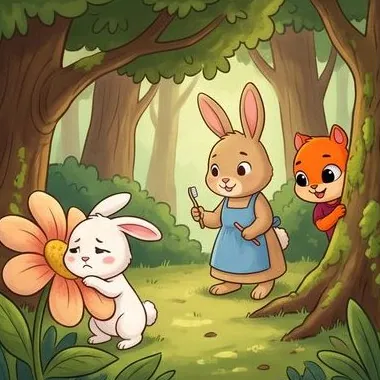
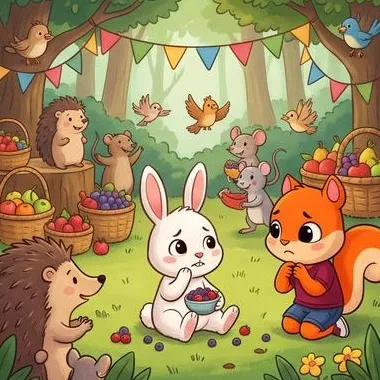
Pick a topic and Bizzy writes an age-appropriate story of about 2-3 minutes, narrates it and illustrates six scenes. Share it as a video with the family.
Ask Bizzy
An AI assistant that knows your child's Bizzy data: “Where did she go today?”, “How long was he on the phone yesterday?” and parenting questions too.
Shared phones
Switch who is using a shared family phone with one tap from the Bizzy notification, so screen time is counted for the right person.
The friend on screen
What does Bizzy do on your child's screen?
Bizzy appears on his own and shows the current rule in his own way. He never closes apps; he guides.
Sleeping
It's bedtime. Bizzy sleeps on screen until 07:00.

Eating ice cream
It's meal time. Bizzy eats his ice cream until the meal is over.
Showing the time
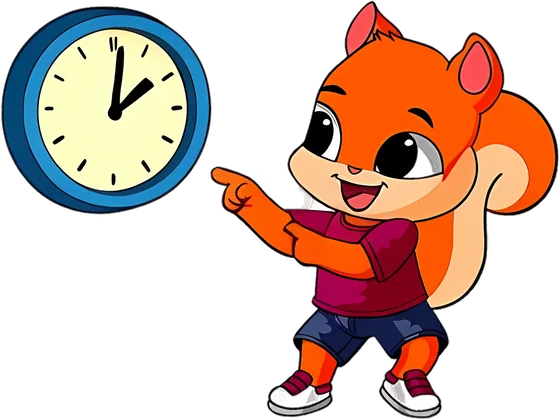
The daily limit is reached. Bizzy shows his clock, lingers a little and leaves.
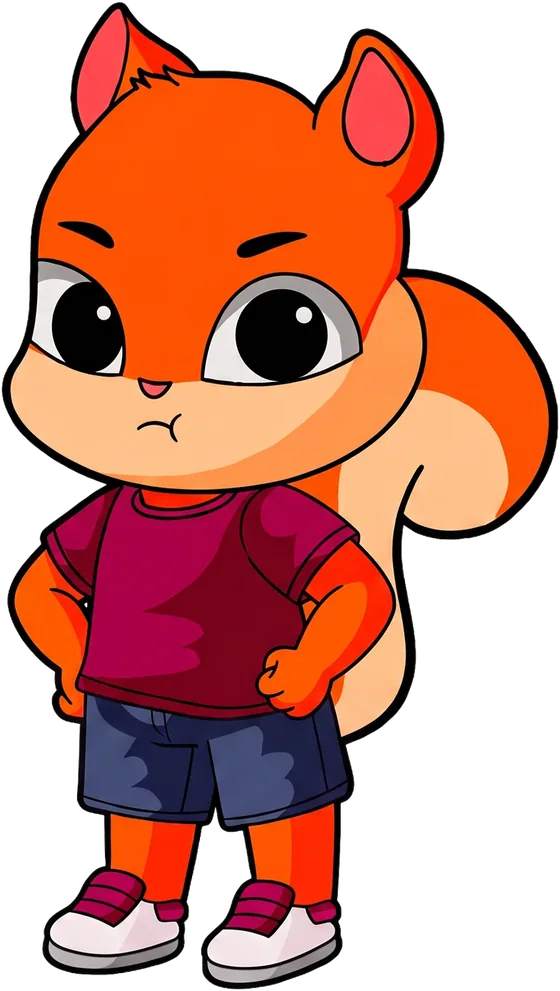
Covering the screen
An app that's not right for their age is open. Bizzy steps in.
Coming soon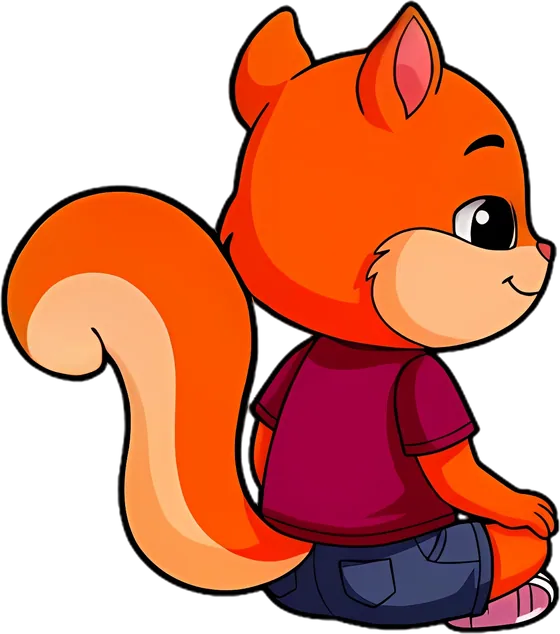
Watching together
YouTube Kids is open. Bizzy sits in the corner and watches along.
Coming soonAI-powered stories
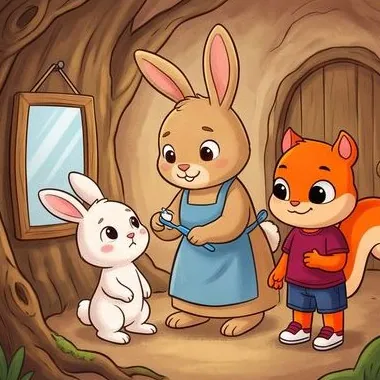
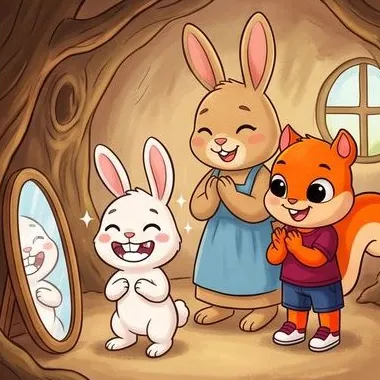
A personal story every night, with pictures and a voice
Choose a topic and Bizzy writes a story for your child's age, narrates it and illustrates six scenes. It is usually ready in 1-2 minutes.
- Listen or read: let Bizzy read it aloud, or read the text together.
- Six pictures: the scenes change as the story goes on.
- Share as a video: the pictures and narration in one video for the whole family.


Ask Bizzy
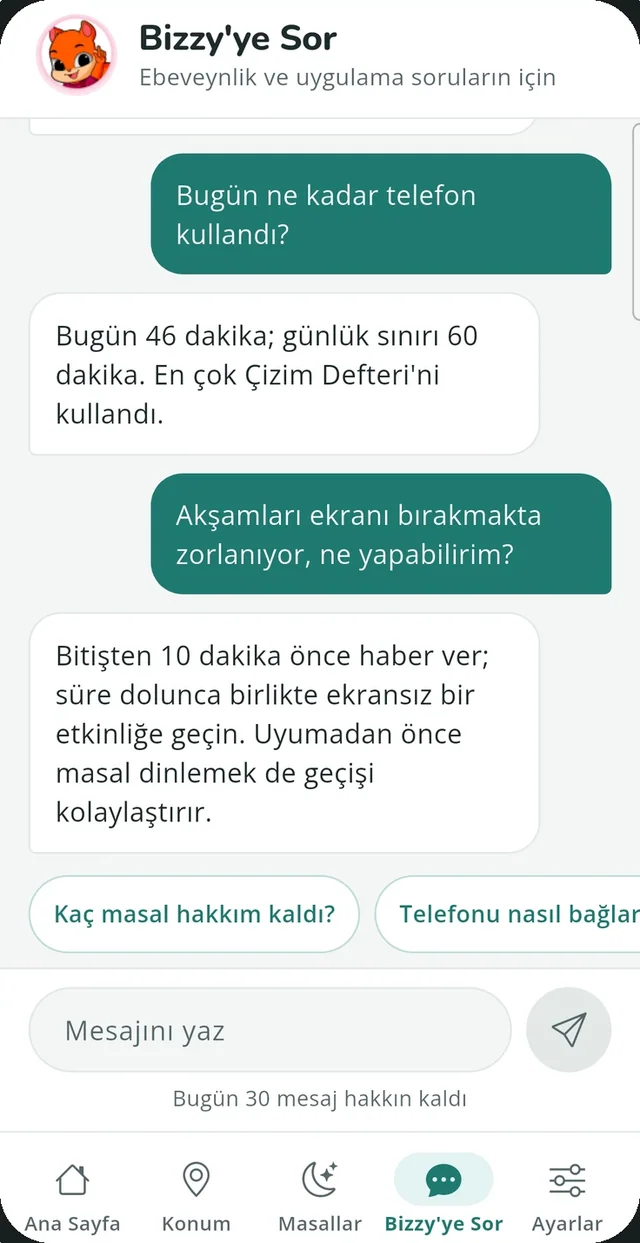
Ask about your child's day
Ask Bizzy is an AI assistant that knows your child's Bizzy data. It explains how the app works and answers parenting questions with suggestions. It never changes settings.
- Where did she go today?
- How long was he on the phone yesterday?
- Why is Bizzy sleeping on screen?
Setup
Ready in three steps
There is no separate kids app: install the same Bizzy on both phones and sign in with the same account.
Install on your phone
Get Bizzy on Google Play, create your account and 4-digit Bizzy PIN, then add your child.
Install on your child's phone
Sign in with the same account and choose “My child” when asked who will use the phone.
Grant permissions
Location, usage access and “Bizzy on screen”. That's it: updates now come to your phone.
Privacy and safety
No hidden monitoring. Your data is yours.
Always visible
Bizzy's icon is visible and a persistent notification stays on while tracking runs.
PIN-protected
On your child's phone, the parent area opens only with your 4-digit Bizzy PIN.
Never sold
Data is tied to your account only and is never used for advertising or profiling.
Delete any time
Delete your account and all data from within the app in one step.
Frequently asked questions
What is Bizzy?
Bizzy is a parental control app that helps parents look after their own child's Android phone. Location and safe zones, screen time and a daily limit, bedtime and meal times, personal audio stories and the Ask Bizzy assistant all come together in one app. When a rule needs a reminder, Bizzy, a friendly squirrel, appears on your child's screen.
Does my child need a separate app?
No. You install the same Bizzy app on your child's phone, sign in with your own account and choose “My child” when asked who will use the phone. Your child sees a simple screen; the parent area opens only with your Bizzy PIN.
Does Bizzy block apps?
Bizzy does not delete or password-lock apps; it guides. When the daily limit is reached you get a notification and Bizzy appears on your child's screen to show the time. At bedtime Bizzy falls asleep on screen, and at meal times he eats his ice cream.
Is Bizzy hidden on the phone?
No. Bizzy is a regular app: its icon is visible and it is not hidden from the app list. While tracking runs, a persistent Bizzy notification stays on the phone. Bizzy is only for parents looking after their own children; it must not be used to monitor another adult.
Which phones does Bizzy work on?
Bizzy currently works on Android phones and is available on Google Play.
Is my data shared or sold?
No. Data is tied only to your account; it is not sold or used for advertising or profiling, and all communication is encrypted. Stories and Ask Bizzy answers are generated with Google Cloud's Gemini service; addresses and coordinates are not sent, and Google does not use this data to train its AI models. You can delete your account and all data in the app (Settings › Delete account).
Give Bizzy a try today
Install Bizzy on your phone and your child's phone, sign in with the same account and you are ready in a few minutes.